
A password protects access to a PDF. It does not control the entire life of the information.
PDF password security is useful when you need to require a password before someone can open a file or when you want to restrict certain actions such as editing, printing or copying.
But that protection has a clear boundary. Once an authorized person can see the content, a PDF password is not the same thing as redaction, rights management, secure messaging, or a guarantee that nobody can reproduce what appears on the screen.
The safest way to use password protection is to be precise about what problem you are solving.
Two different promises are often mixed together.
Password protection can help with
- Requiring a password before the document opens.
- Restricting certain editing actions when permissions are configured.
- Restricting printing at specific quality levels in supporting readers.
- Restricting copying of text and images in supporting readers.
- Adding encryption to the PDF so the file is not simply readable as an unprotected document.
Password protection is not
- Redaction of sensitive information that remains visible on the page.
- A way to stop an authorized viewer from photographing the screen.
- A guarantee that every PDF reader will enforce every permission restriction identically.
- A replacement for controlling who receives the password.
- A certificate-based digital signature proving who signed the document.
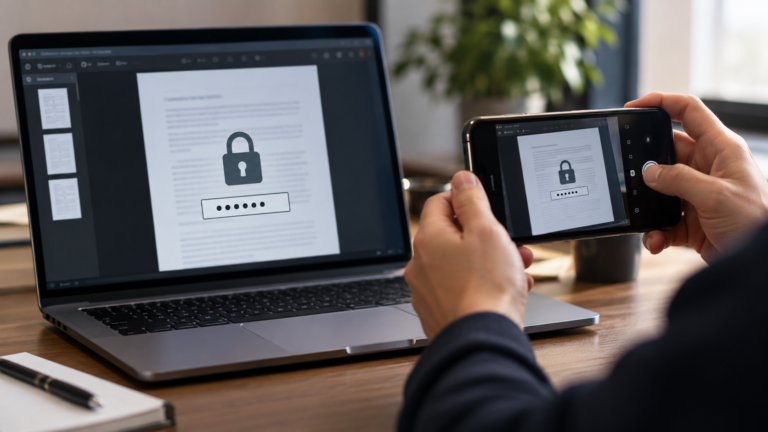
Once someone is authorized to view information, document encryption cannot control every way that visible information may be reproduced.
Start with what you are actually trying to prevent.
“Nobody should open this without the password.”
You are talking about a document-open password. Protect the password separately from the file when possible.
“They can read it, but should not edit or print it.”
You are talking about permissions. Treat them as usage restrictions, not as irreversible technical control over an authorized viewer.
“This name or account number must never be recoverable.”
You are talking about redaction, not password protection. Hiding text with a black shape is not enough if the underlying content remains.
“I need proof that this exact version was signed.”
You are talking about digital signatures and validation, which solve a different problem from passwords.
A strong lock with a badly shared key is still weak.
Do not put the password in the same email as the protected file when the situation calls for separation. Avoid predictable passwords based on the recipient’s name or obvious dates. If the document is important, decide how the recipient will receive the password and what happens if it is lost.
Also keep an unprotected master somewhere appropriate if you may need to edit or reissue the document later.
Close the PDF completely and reopen the actual downloaded copy. Confirm that it asks for the password you intended. If you configured permissions, test the relevant action in a mainstream PDF reader rather than assuming the setting was saved correctly.
Do not use password protection to hide visible dataIf the page still visibly contains sensitive information, the correct question is whether it should be removed or redacted before sharing.
Add an open password locally in your browser.
PDFNexa’s Protect PDF tool applies password protection to a copy of your PDF. Keep the original and test the protected result before sending it.